Best IPTV Apps for Android TV 2026
Android TV is the most versatile IPTV platform — it runs smoothly on any compatible Android device, Firestick, NVIDIA Shield, and smart displays. Choosing the right media player or tv player is essential to stream thousands of live tv channels in high definition, binge your favorite tv shows, and parse your custom iptv playlist efficiently. If you haven't picked your hardware yet, start with our guide to the best IPTV box and devices in the USA, then come back here to choose the perfect app.
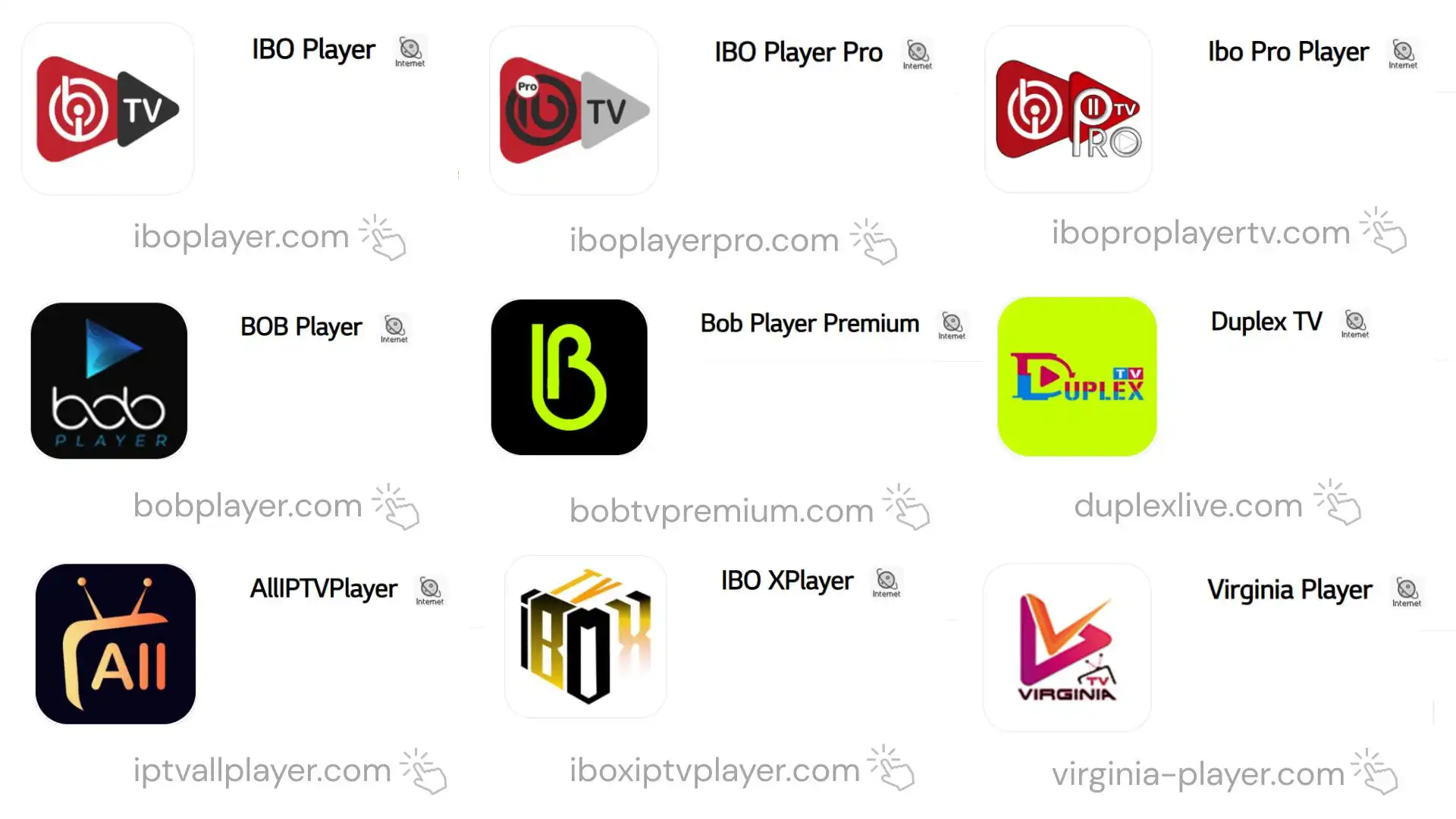
When you subscribe to a robust iptv service, the performance you experience depends heavily on the interface application you use. Whether you prefer integrated software or lightweight applications that connect with external video players, optimizing your setup guarantees crystal-clear playback without buffering delays.
Top 8 IPTV Apps for Android TV — Ranked
| # | App | Price | 4K | EPG | Best For |
|---|---|---|---|---|---|
| 1 | TiviMate | $5.99/yr | Excellent | Best | Power users, TV-like UI |
| 2 | IPTV Smarters Pro | Free | Very good | Good | Beginners, free option |
| 3 | OTT Navigator | Free | Very good | Good | Clean modern UI |
| 4 | GSE Smart IPTV | Free | Good | OK | Multi-format support |
| 5 | Perfect Player | Free | Good | Basic | Advanced/technical users |
| 6 | XCIPTV Player | Free | Good | Good | Sleek UI lovers |
| 7 | Kodi + PVR Addon | Free | Excellent | Excellent | Tech-savvy users |
| 8 | MX Player | Free | Good | None | M3U playlist only |
TiviMate — #1 IPTV App for Android TV
TiviMate stands tall as the absolute gold standard for Android TV devices. Its electronic program guide (EPG) functionality looks and works identically to a real, traditional cable TV guide. Users can easily browse upcoming programs, set custom recording reminders, build favorite channel categories, and switch between live channels instantly. Upgrading to the Premium version ($5.99/year) unlocks support for multiple playlists, advanced parental controls, and catch-up TV support.
IPTV Smarters Pro & Alternative Players
For users seeking an out-of-the-box solution, IPTV Smarters Pro offers a fantastic user-friendly dashboard that categorizes live channels, movies, and tv shows neatly. Many viewers also utilize flexible media player tools that support external video players like VLC or MX Player for hardware acceleration benefits.
Downloader Codes for Android TVs & Firestick
If you are setting up your Android TV device, Firestick, or box using the official Downloader application, you can use the direct entry short codes below to install your preferred player instantly:
IBO Player (Default)
Code: 1171959
Standard versionIBO Player Pro 🆕
Code: 923441
Enhanced performanceIBO Pro Player TV 🆕
Code: 6402995
Smart TV layoutIBO Pro
Code: 474637
*Activation codes requiredBOB Player
Code: 815778
Popular alternative playerKing4K Player
Code: 862414
Optimized for 4K streamsIBOSS IPTV
Code: 967528
Stable streaming interfaceIBO XPlayer 🆕
Code: 7947185
Advanced video decodingCRPLAYER 🆕
Code: 8172633
Fast playlist loaderHOT PLAYER 🆕
Code: 395800
Direct link: apk.hotplayer.app
How to Install TiviMate on Android TV
Open Google Play Store
On your Android TV or compatible android device, navigate directly to the built-in Google Play Store app.
Search and Install TiviMate
Search for "TiviMate IPTV Player" using the remote keyboard → Click Install → Open the app once downloaded.
Add Playlist via Xtream Codes
Select Add Playlist → Choose Xtream Codes API → Enter your secure IPTV USA HUB Server URL, Username, and Password to load your channels.
Get started in 5 minutes.
50,000+ channels, 450,000+ on-demand titles, every PPV — from $15/month. 7-day money-back guarantee.